Hire qualified and verified freelancers from all over the world.
Manage your entire project with goLance. Pay safely and securely.
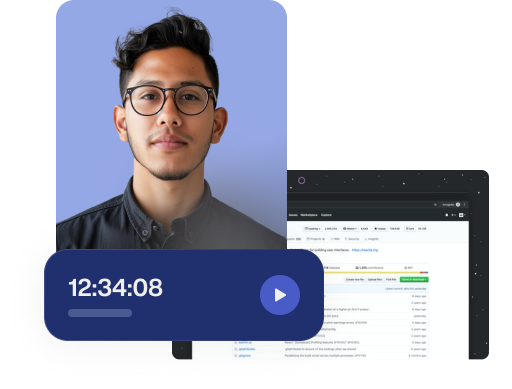
goMeter is goLance’s desktop time tracker—designed to help you log hours, prove your work, and get paid accurately for every project.

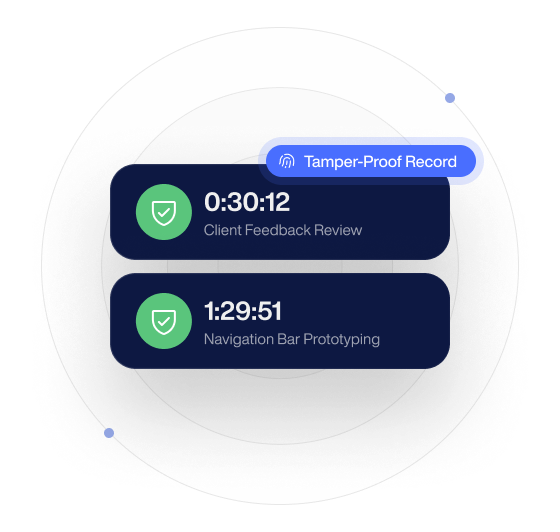
Power your collaboration with goMeter, the built in smart time tracker. Gain real-time project insights, guarantee accurate time logging, and simplify invoicing for a flexible and fair experience.
.png)
.png)

.png)
.png)


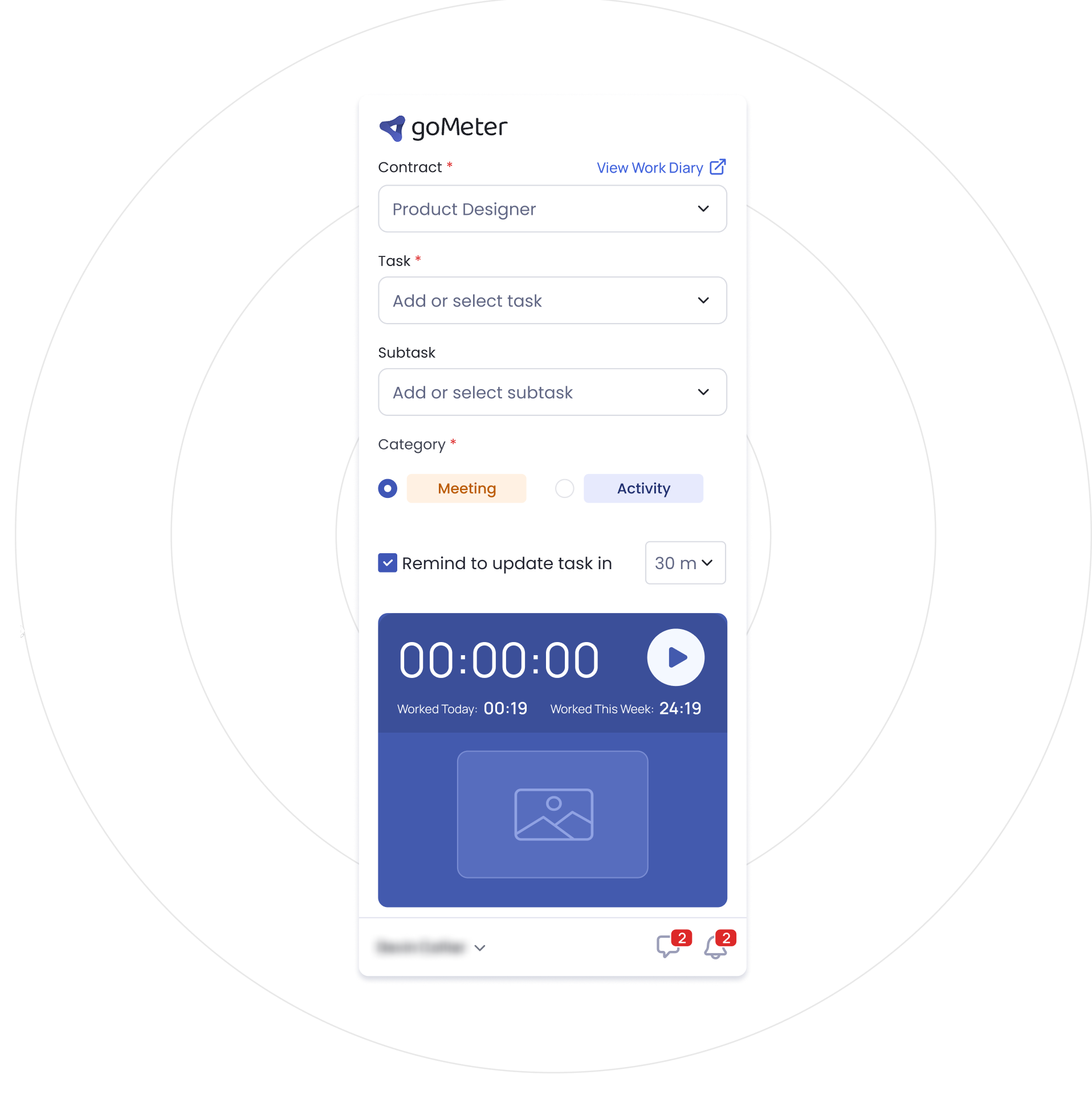
To start tracking your work, simply download the goMeter desktop app and create the specific task you will be working on. Once the task is set up, click the "Start" button within the app to initiate tracking.
Activity recording begins automatically the moment you hit the "Start" button on your task in the goMeter app. The tracker registers keystrokes, mouse clicks, and, if enabled by your client, periodically takes screenshots to ensure complete transparency of your work progress.
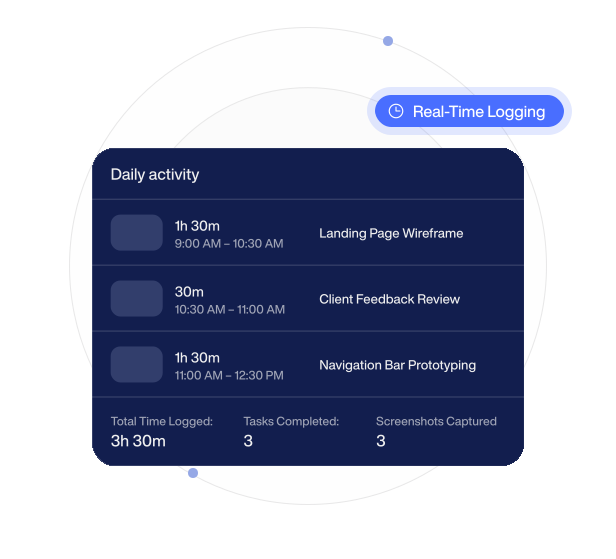
All work data collected by goMeter is synced in real-time to the goLance platform, where it is compiled into a detailed summary for review. This summary provides key insights, including total hours, average activity level, keystrokes, and mouse clicks.
Because your work data is accurately and automatically recorded by the goMeter tracker, the payment process is effortless for you. Freelancers are automatically paid for the hours logged and reviewed, with no further steps required to secure payment.

No. goMeter is not required for every project. As a freelancer, the way you track your work depends on the contract type and the client’s settings. For hourly contracts, clients may require goMeter to ensure accurate time tracking, activity visibility, and transparent billing. Clients can also choose whether to allow manual time for added flexibility. For fixed-price or milestone-based projects, work is usually managed around deliverables and results instead of tracked hours.
Yes. You stay in control of your time. Start tracking when you begin working, pause when you take a break, and stop when the task is complete. goMeter helps keep your Work Diary accurate and focused only on real work time.
Yes. For tracked hourly work, screenshots are added to the Work Diary so clients can review progress with clarity and confidence. This creates transparency, reduces unnecessary check-ins, and helps make hourly billing fair for both sides.
Yes. You can keep your Work Diary accurate by removing incorrect time blocks or screenshots during the current workweek. This helps ensure clients are billed only for the right time and freelancers get paid for verified work.
goMeter is available for Mac and Windows. As a freelancer, you can download the version that matches your device, connect it to your goLance account, and start tracking time for your hourly contracts.